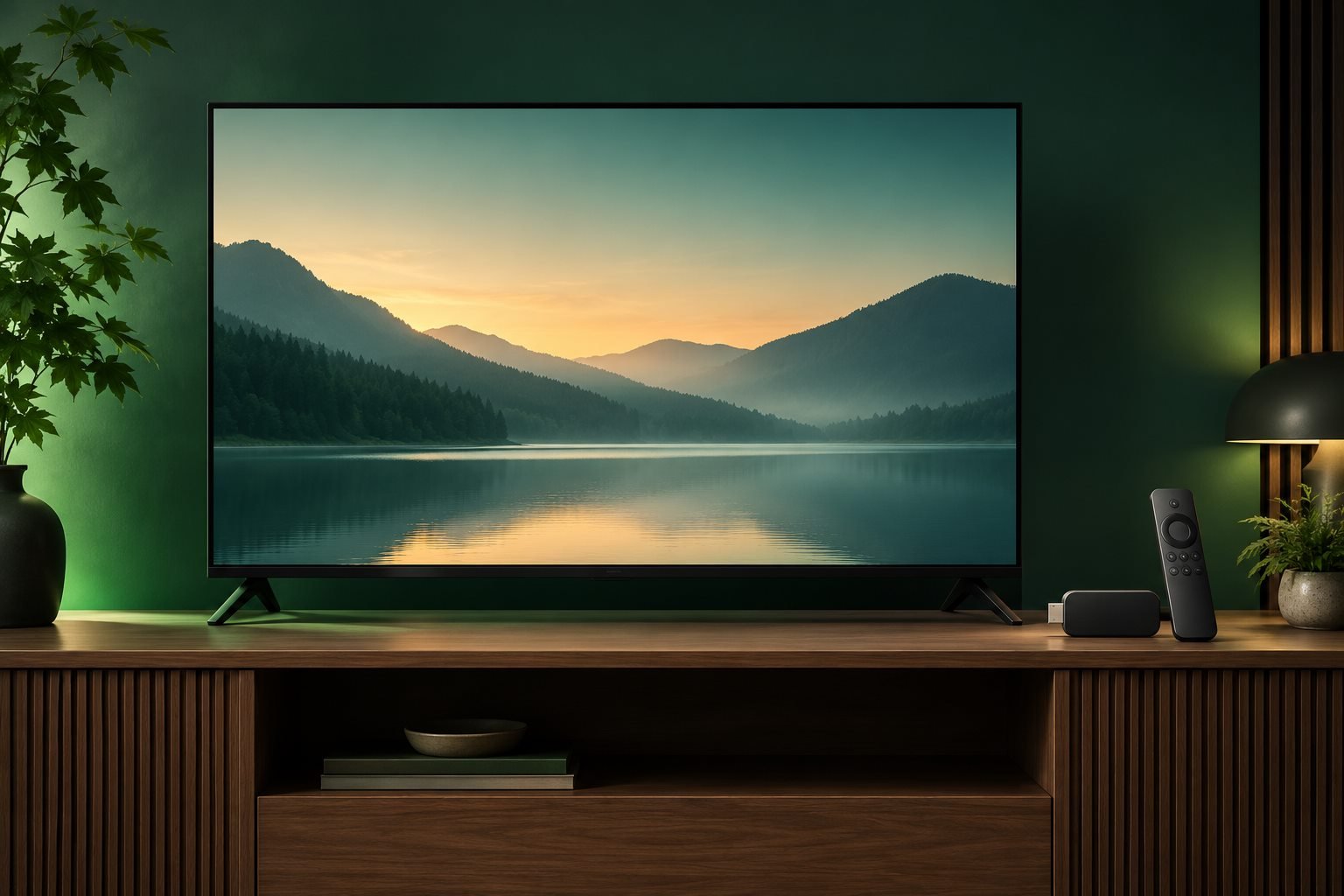
Confirm your television model and supported app with the provider first. Menus and app availability vary across brands, model years and regions.
SMART TV
01
Check your television
Find the brand, model number and software version in the television’s Settings or About menu.
Ask the provider whether that exact model and its operating system are supported.
Connect the TV to your home network and install any system update offered by the manufacturer.
02
Find the official app
Open the television maker’s built-in app store.
Search for the exact app name supplied by the authorized provider.
Check the publisher name and app description before installing. If it is missing from the official store, stop and ask the provider for an approved option.
03
Open and complete setup
Launch the app and follow its sign-in flow.
Use only the setup method and account details supplied through the provider’s official channel.
Wait for the app to finish loading, then check that menus and playback controls respond.
Does every Smart TV support every app?
No. Support varies by model, software, app-store region and provider. Confirm the exact model with the provider.
HAVE A QUESTION?
Confirm the details with the business.
Plans, prices and compatibility are confirmed directly with the business.